

Overview
Run remote memory reads for WarDogs from a cloud datacenter — no PCIe DMA card and no second PC. Stream threat labels, minimap cues, and combat overlays to Windows 10 or 11 with CPU virtualization enabled.
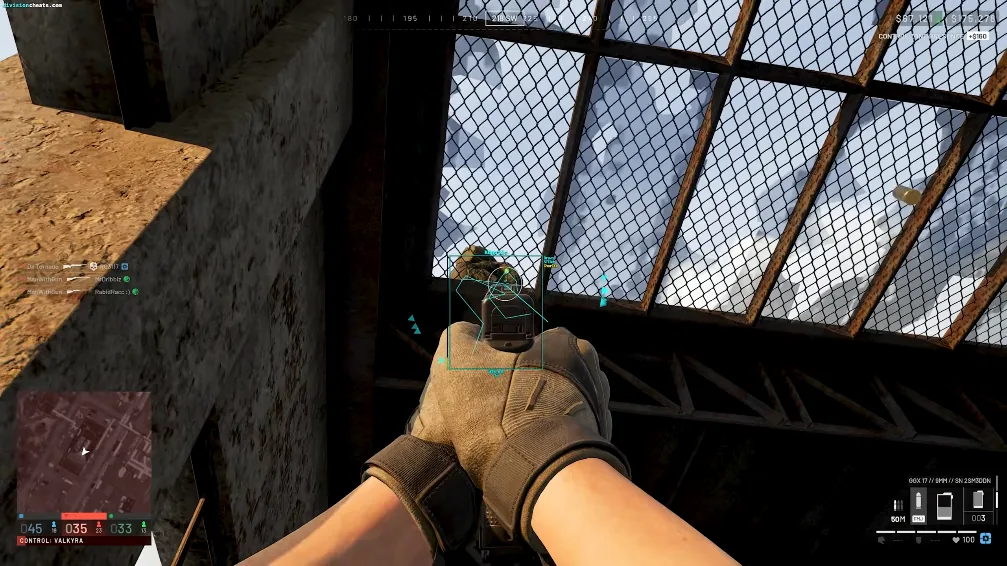
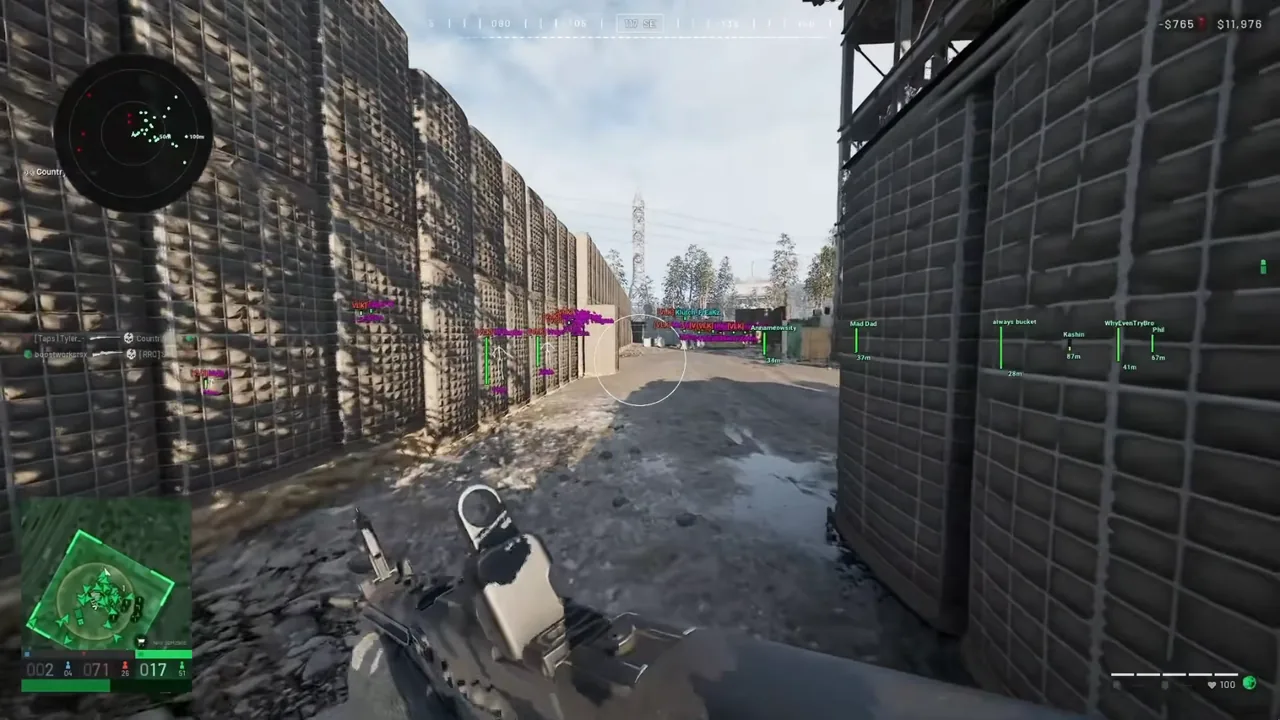
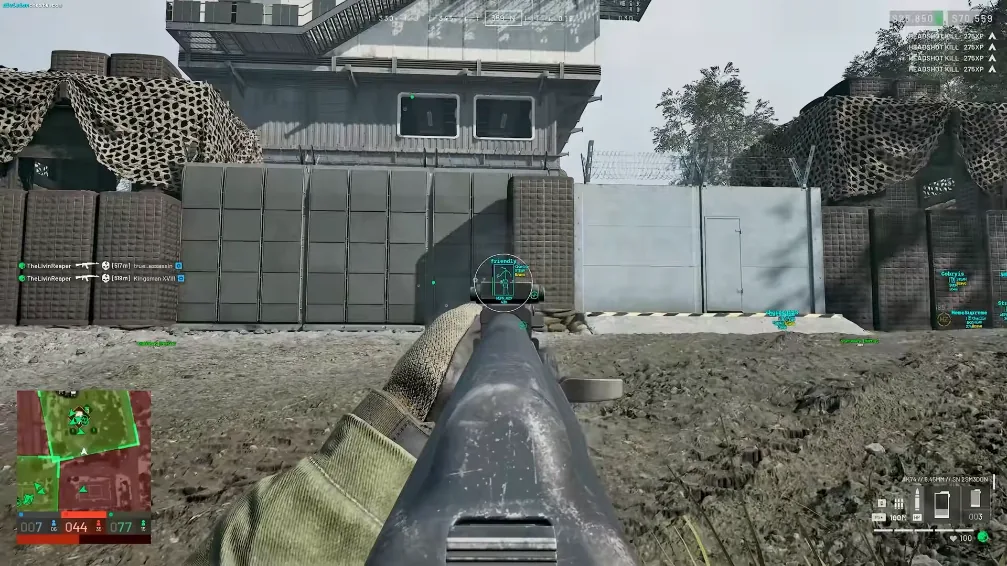
Key capabilities
What you get with Cloud DMA
Remote datacenter reads
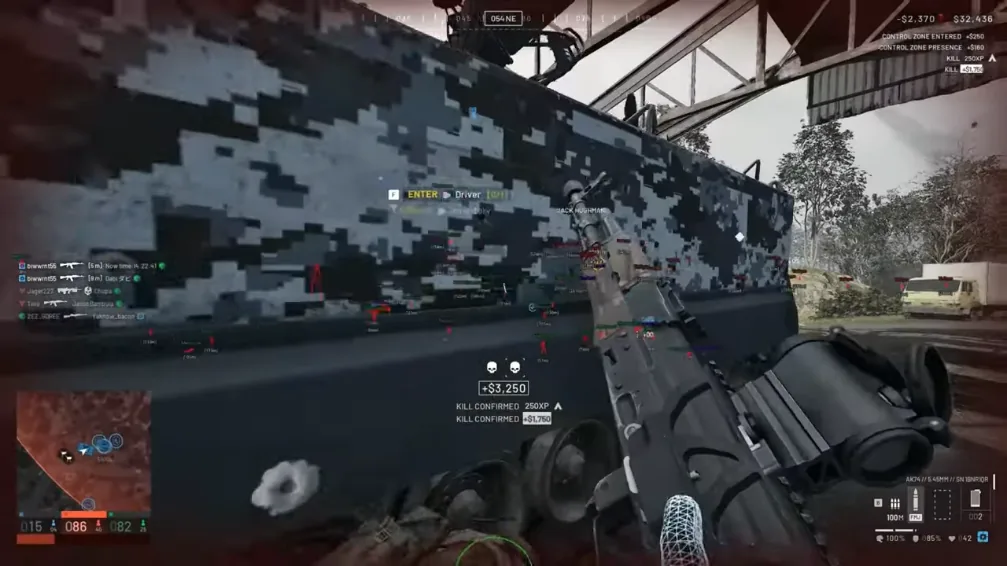
Memory processing runs off your machine — minimal local footprint on Windows PC.
Streamed overlay feed
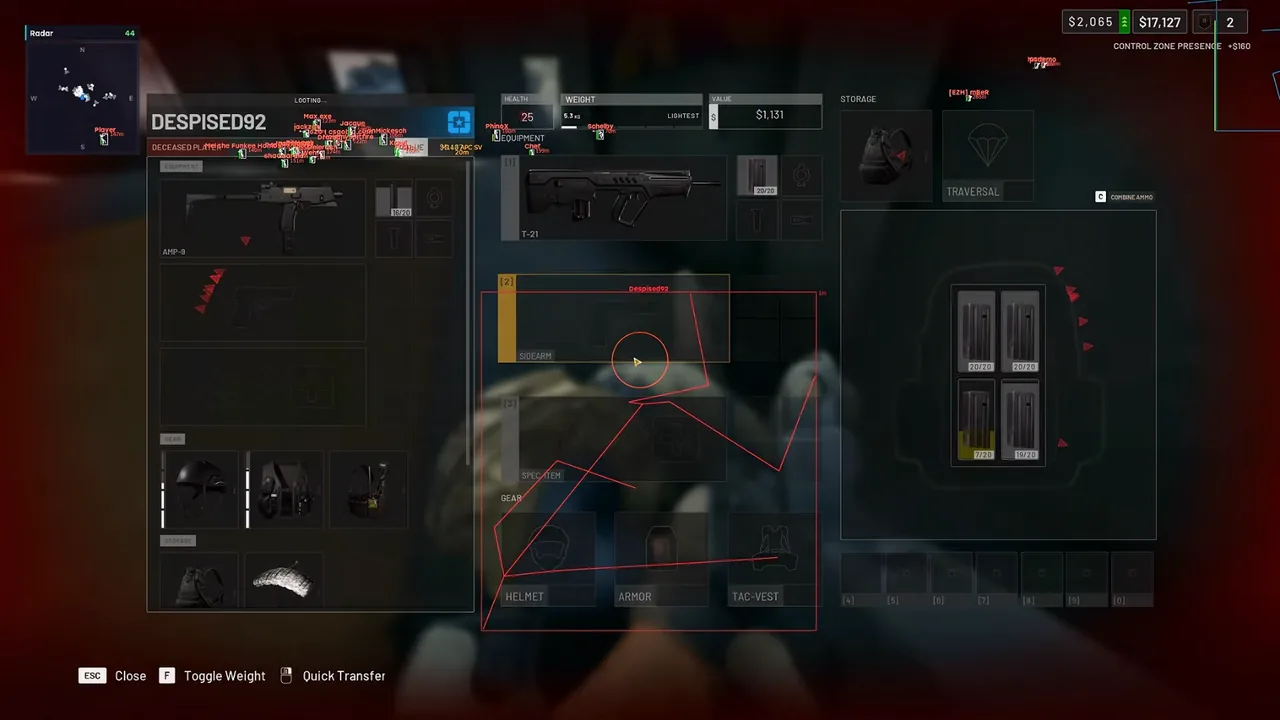
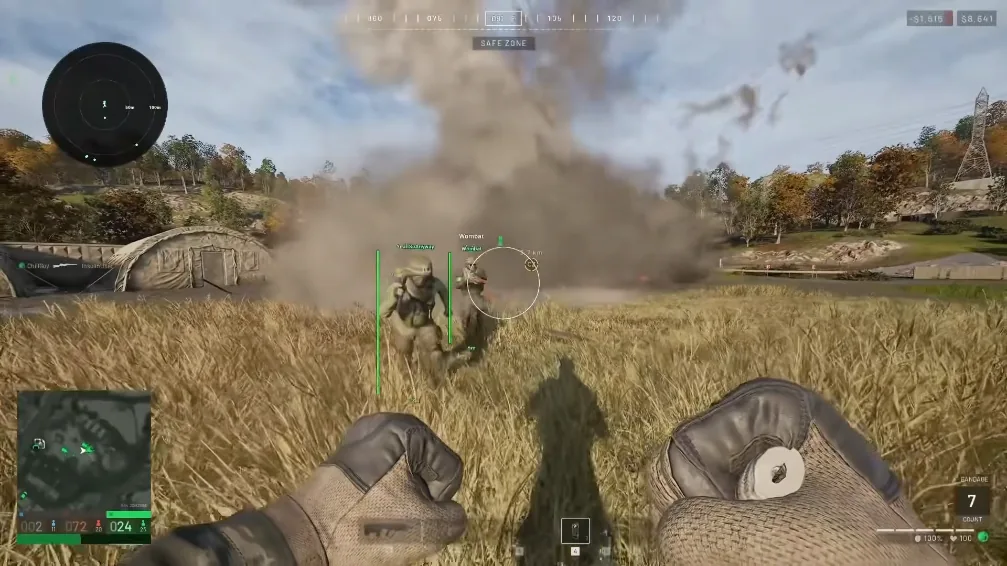
Threat labels and minimap widgets piped over a low-latency sync channel.
Cloud firmware masking
Dynamic kernel masking in the remote stack after Elytra maintenance.
Profile cloud backup
Save, restore, and sync overlay profiles across sessions and rebuilds.
Best fit
Cloud DMA suits buyers who want remote memory reads without a PCIe card or second PC. Check the profiles below if virtualization-based streaming matches your external-style setup on Windows PC.
- Players who want external-style reads without PCIe hardware
- Windows PC users with Hyper-V or CPU virtualization enabled
- Squads that need synced overlay profiles across machines
- Buyers avoiding a traditional two-machine DMA desk setup
Cloud DMA FAQ
Do I need a physical DMA card?
No. Reads run from a remote datacenter. You need Windows 10 or 11 with virtualization enabled.
What is the local footprint?
A thin client streams overlay data — most processing stays in the cloud firmware stack.
How do rebuilds work after patches?
Active licenses receive cloud firmware updates when Elytra or WarDogs patches ship.
Can I use Cloud DMA with WarDogs Cheat cheats?
Yes. Remote reads pair with WarDogs Cheat licenses for external-style workflows on Windows PC.