

Overview
Author custom overlay bundles for WarDogs on Windows PC. Import models and shaders, preview layouts live, publish encrypted packs, and hot-reload them to your client without a full reinstall.
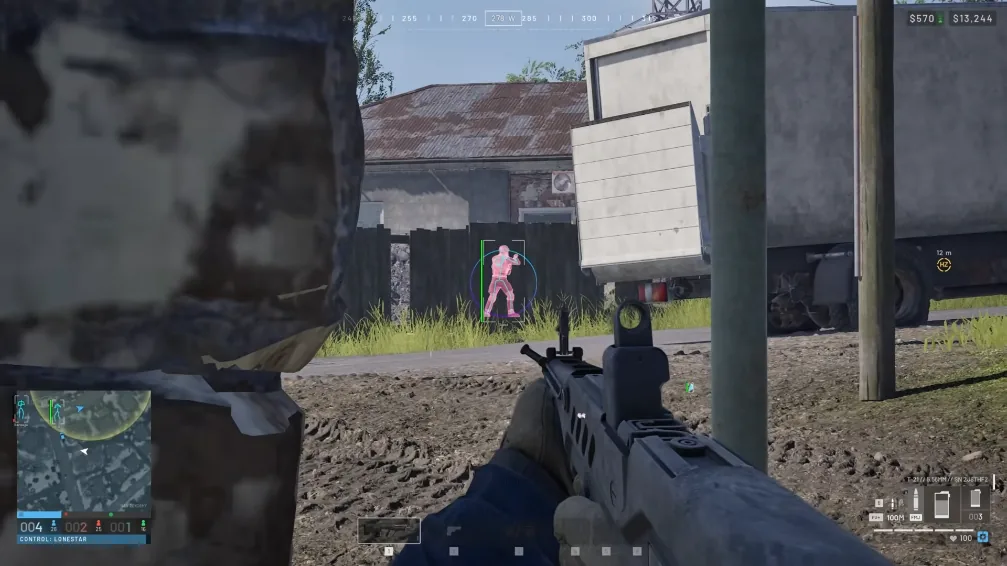
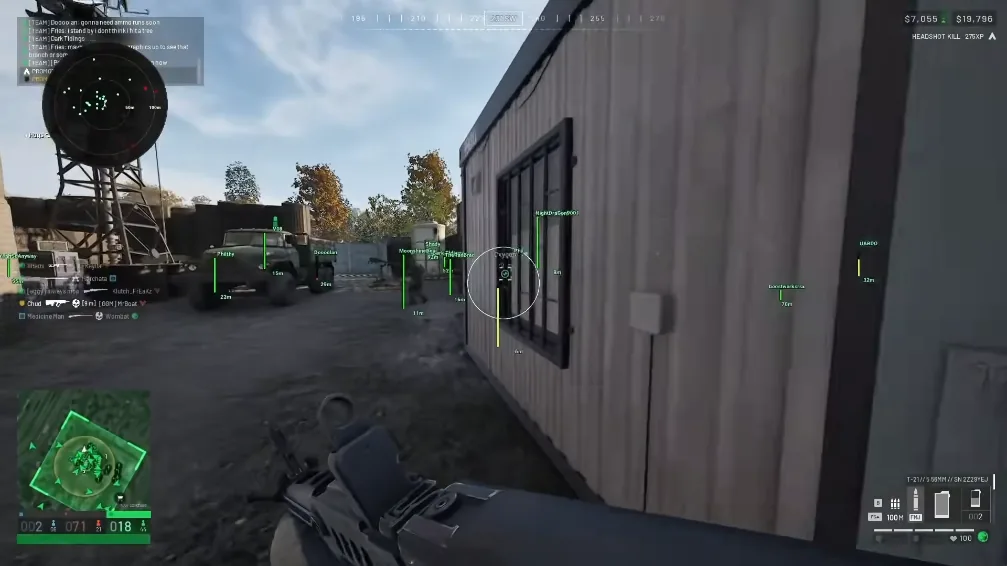
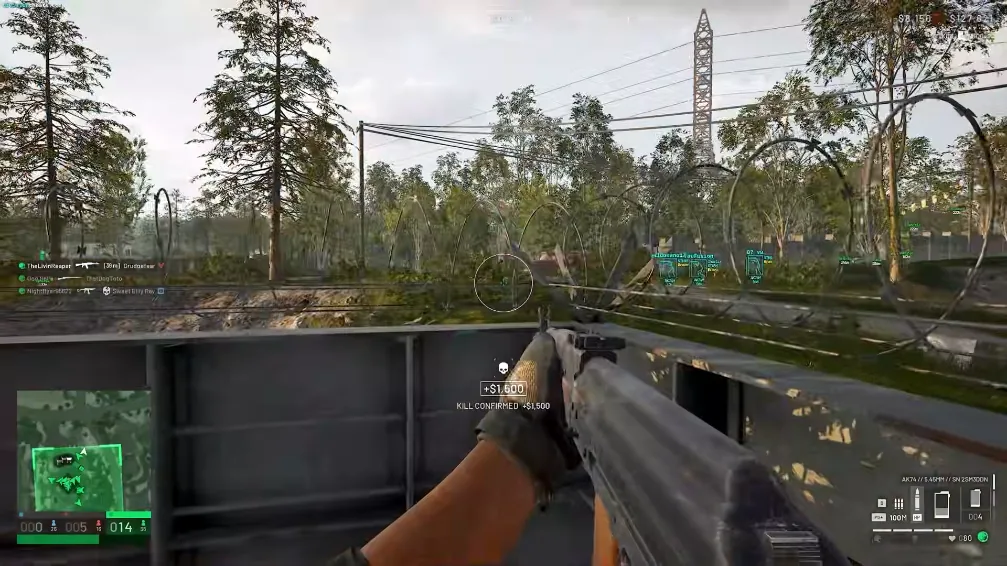
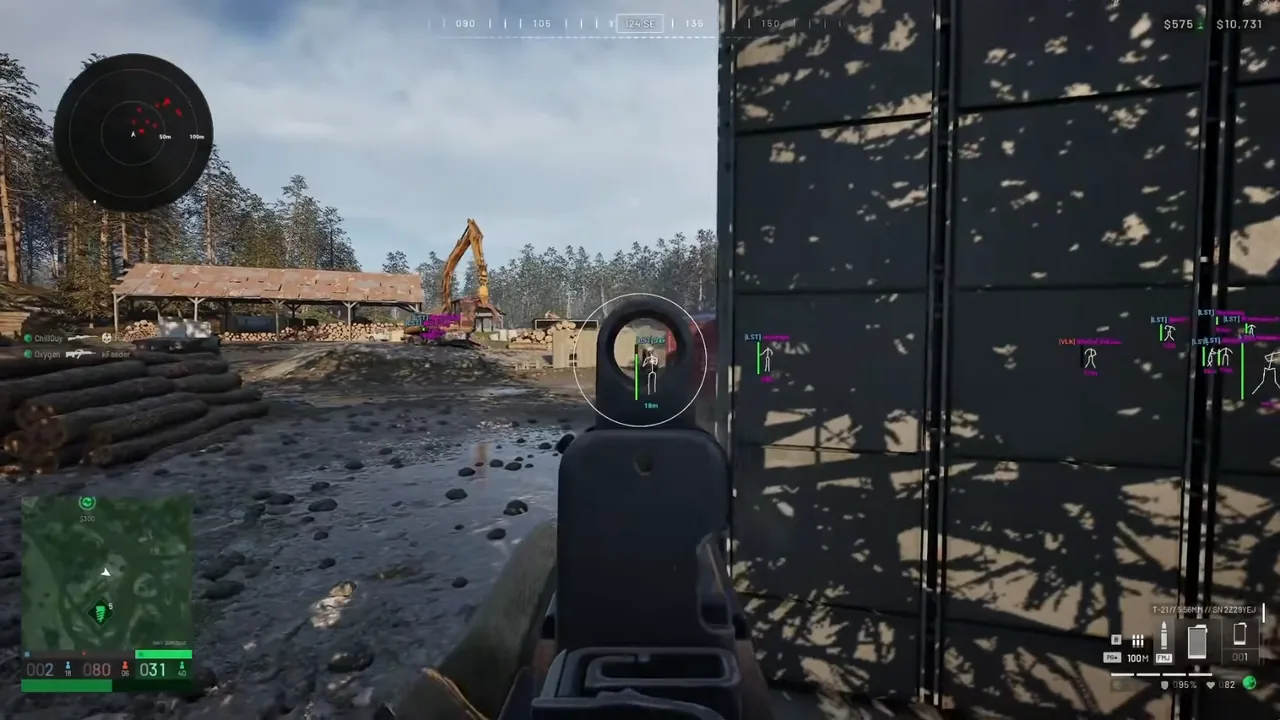
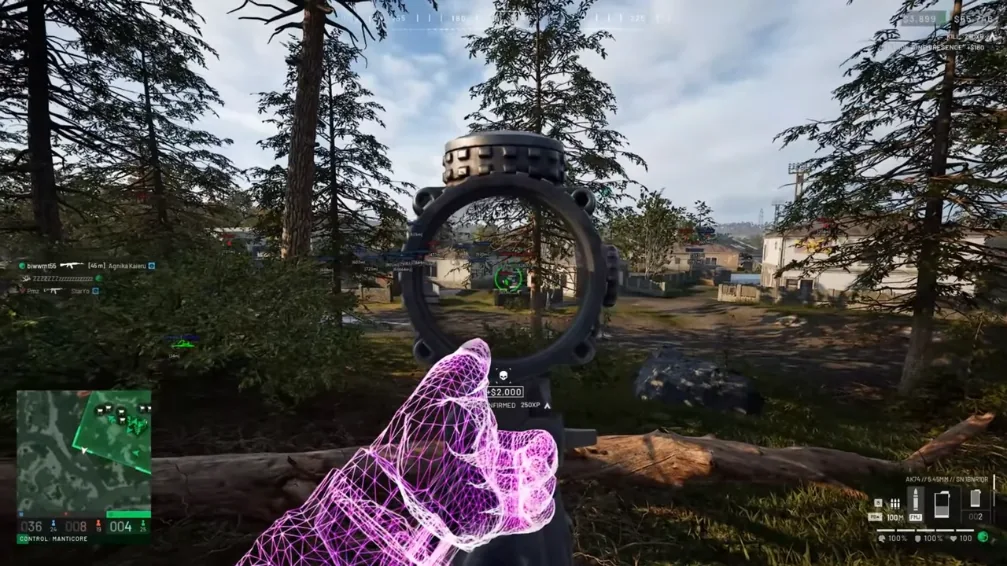
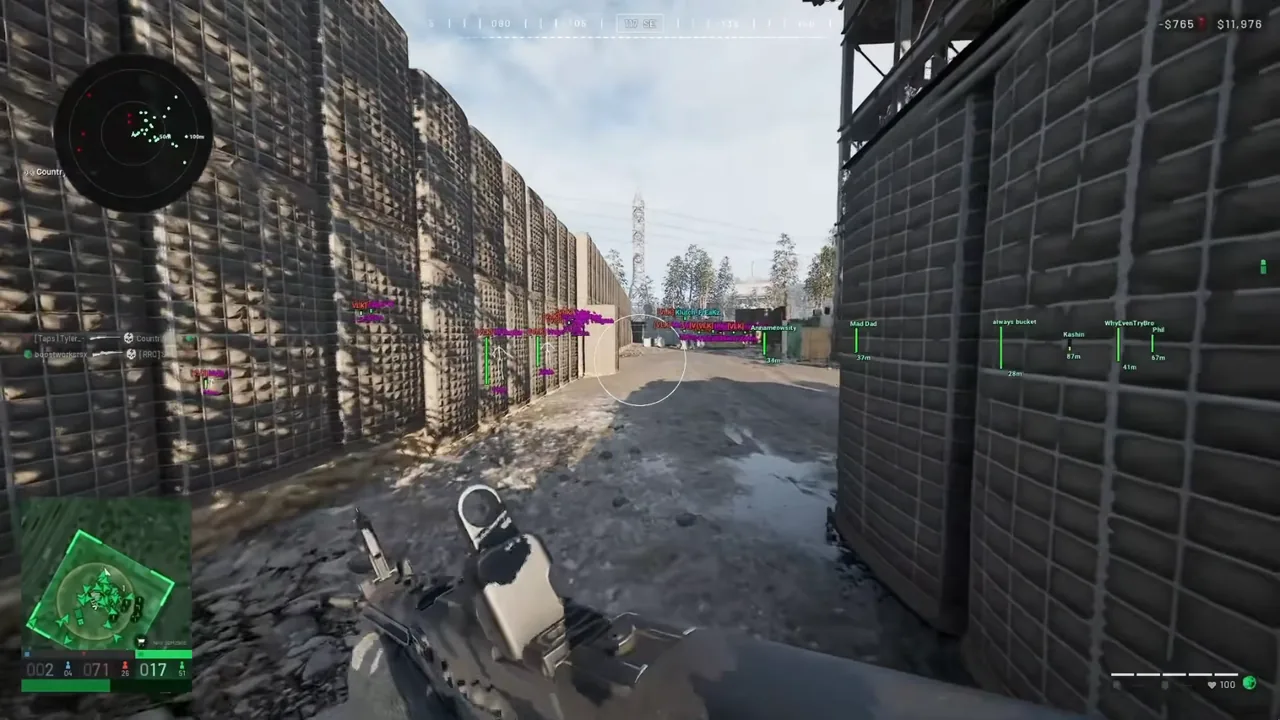
Key capabilities
What you get with UGC Tool
Visual bundle composer
Drag HUD widgets, shaders, and texture assets into one encrypted overlay pack.
Live preview studio
Tune colours, opacity, and layout before you publish to your license.
Hot-reload delivery
Push bundle updates to your client session without reinstalling the loader.
Author support
English walkthrough and email help for import errors or publish failures.
Best fit
UGC Tool fits creators who author custom overlay bundles for WarDogs on Windows PC. Review the scenarios below to see if compose-and-publish workflows match how your squad shares HUD packs.
- Creators who want custom HUD packs instead of stock overlays
- Squad leads publishing shared bundle presets for WarDogs
- Buyers who tweak shaders and models before every season
- Windows PC users who need encrypted publish without code edits
UGC Tool FAQ
Do I need coding skills?
No. The composer is visual — import assets, arrange widgets, preview, then publish encrypted bundles.
Can I update bundles after publish?
Yes. Hot-reload pushes new packs to your client without a full reinstall.
What file types are supported?
.glb models, shader packs, and texture assets are supported in the import panel.
Does UGC work with cheat licenses?
Yes. Pair authored bundles with your WarDogs Cheat overlay workflow on Windows PC.